

The TERA Reforged launcher is now available to download. In the previous devlog we walked through the foundation for the Alpha (accounts, unified login, name reservation, and the launcher itself); now we want to validate the step that comes before playing: downloading and installing the game. The server isn’t accessible yet, so the goal is to make sure the install works across as many setups as possible.
At a Glance
- This phase’s focus: validate download and install; you can’t enter the game yet
- Antivirus and firewall: Windows often shows warnings at this stage; we explain why and how to allow it
- Existing install: if you already have the game, you won’t re-download it; the launcher only updates the difference
- Skill Prediction: an experimental, optional feature, off by default
Why We Need Your Help
For a TERA private server to become a playable Alpha, the first experience has to be smooth, and it begins before the first login, when you download and install the game. That process runs across very different operating systems, antivirus tools, firewalls, and hardware, and that variety is exactly what we want to cover with you. In this phase, we’re validating the cycle of getting and maintaining the game’s files:
- A fresh install, for those who don’t have the game yet
- Recognizing an existing install, for those who already downloaded the client some other way
- Resuming an interrupted download, without starting over
- Repairing files, in case something gets corrupted
Important: if the launcher finishes the download and verification without errors, the test has done its job (keeping in mind you can’t enter the game yet). If something breaks, let us know on Discord.
How to Install the Launcher
The launcher is a Windows installer. Once you’ve downloaded it, run the file: the install happens once and asks for Windows permission to finish.
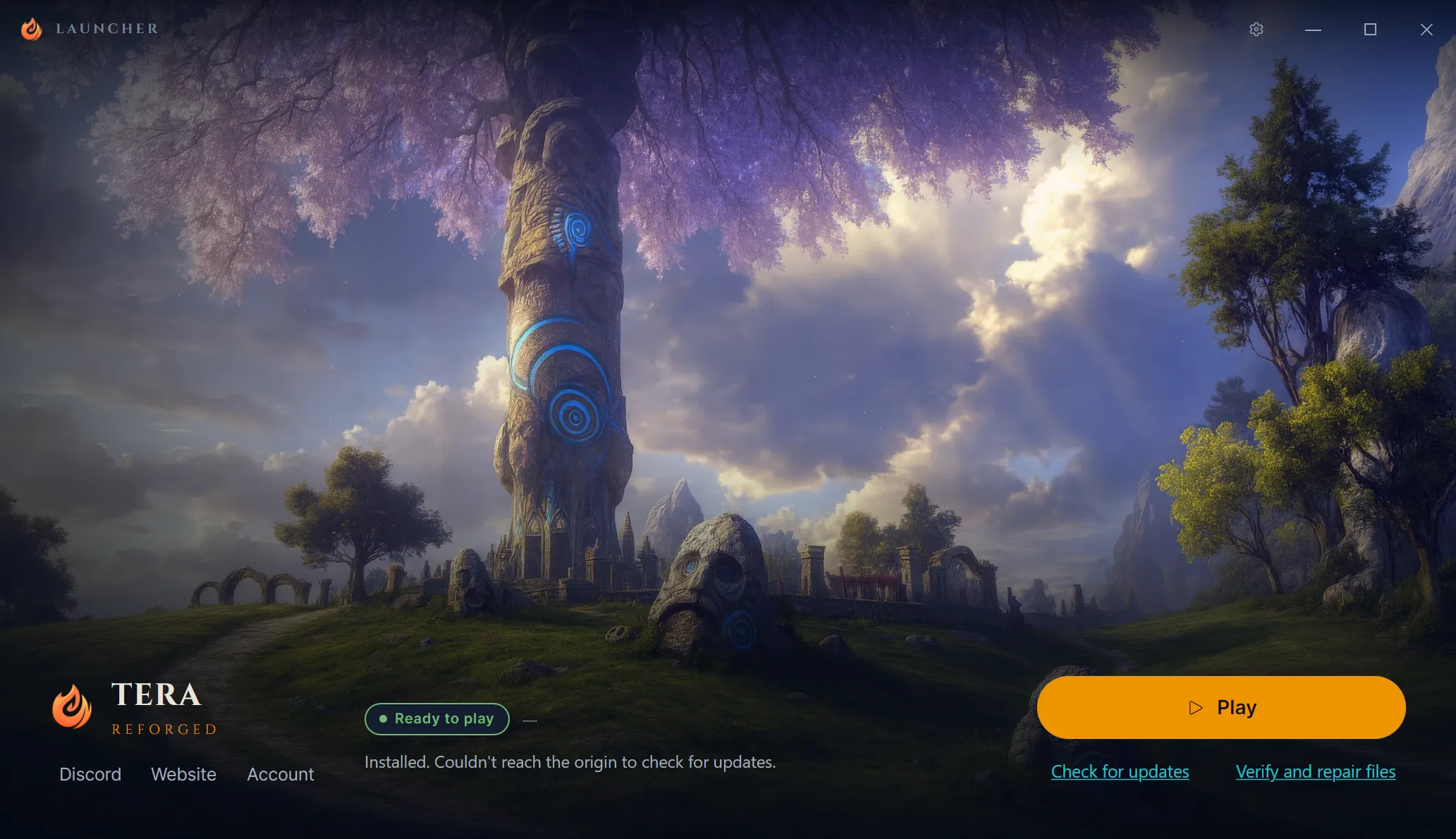
On first launch, the launcher configures itself and only asks where the game should live. You choose between:
- Install from scratch, pointing to the destination folder
- Point to an existing install, if you already have the TERA client
Once you choose, it handles the download and file verification.
Antivirus, Firewall, and SmartScreen Warnings
This is where we most need your attention. Because it’s a new program, still little known to Windows protection systems, it’s normal for the launcher to raise a few warnings on the first run. They don’t mean something is wrong:
- Windows SmartScreen: a blue screen may appear saying Windows protected your PC. Click More info and then Run anyway
- Antivirus: some may flag the launcher as unknown or block it as a precaution. Just allow the program or add it to your exceptions list
- Firewall: when the download starts, Windows may ask whether the launcher can access the network. Allow it, otherwise the download won’t work
This happens because newly released programs don’t have a reputation yet with Windows and antivirus tools, and ours asks for higher permissions and downloads many files. These warnings tend to fade as more people install the launcher.
Important: if your antivirus blocks the launcher or flags something suspicious, let us know on Discord with the antivirus name and the message shown. That feedback really helps us resolve these cases before the Alpha.
A More Efficient Download and Update
Getting the game is usually a pain in this kind of server: scattered sources, torrents, a lot of disk space. Here, download and update are unified, with files split into pieces and compressed, so the launcher fetches only segments and the differences between versions. If you already have the game, it only downloads what’s missing. More details in the previous devlog.
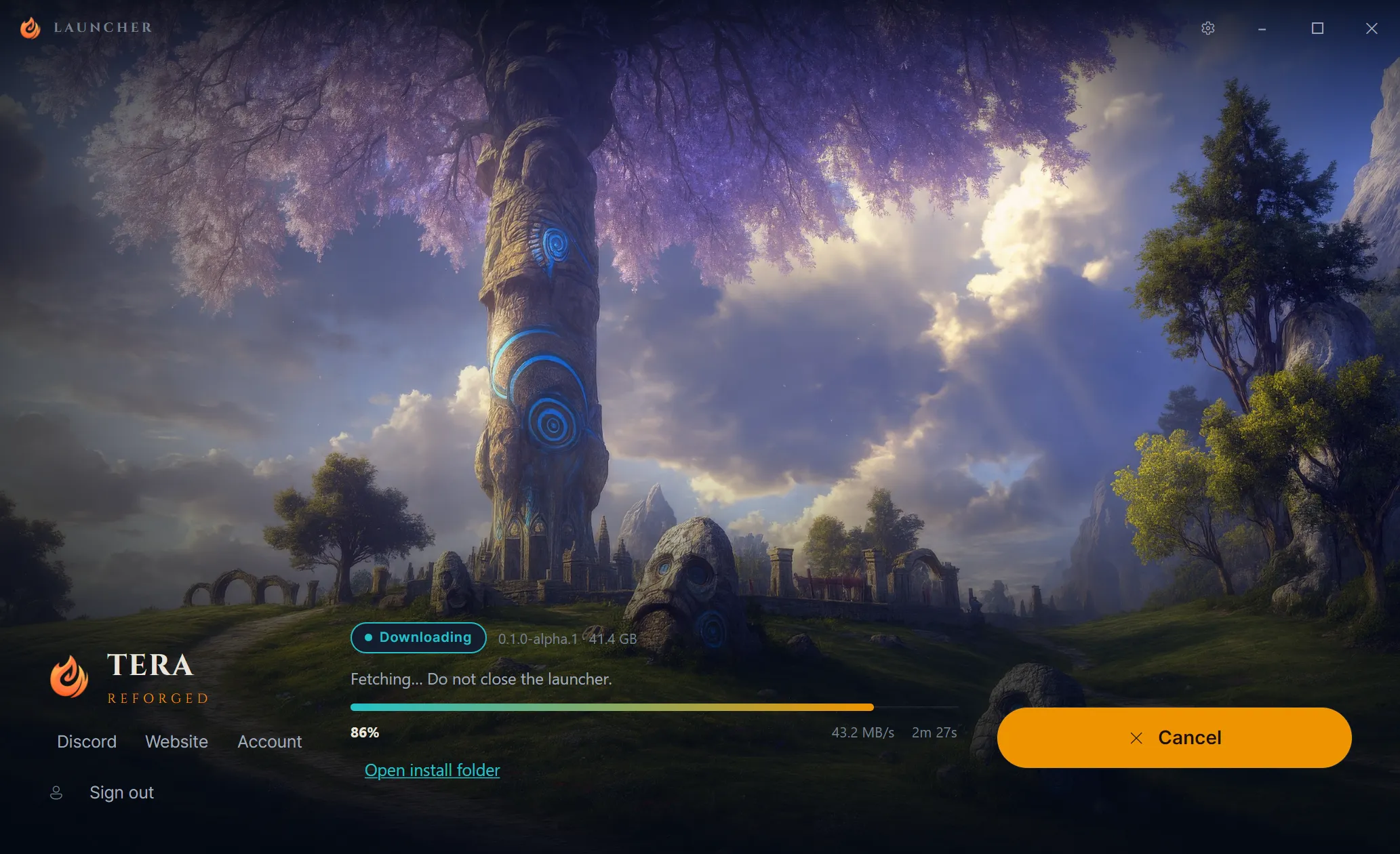
Graphics API Selection
The launcher also lets you choose the graphics API the game uses, between Vulkan and DirectX 9, detecting your hardware and suggesting the most compatible option. In some cases this helps with performance and stability, but the result can vary depending on the GPU, the driver, and the operating system.
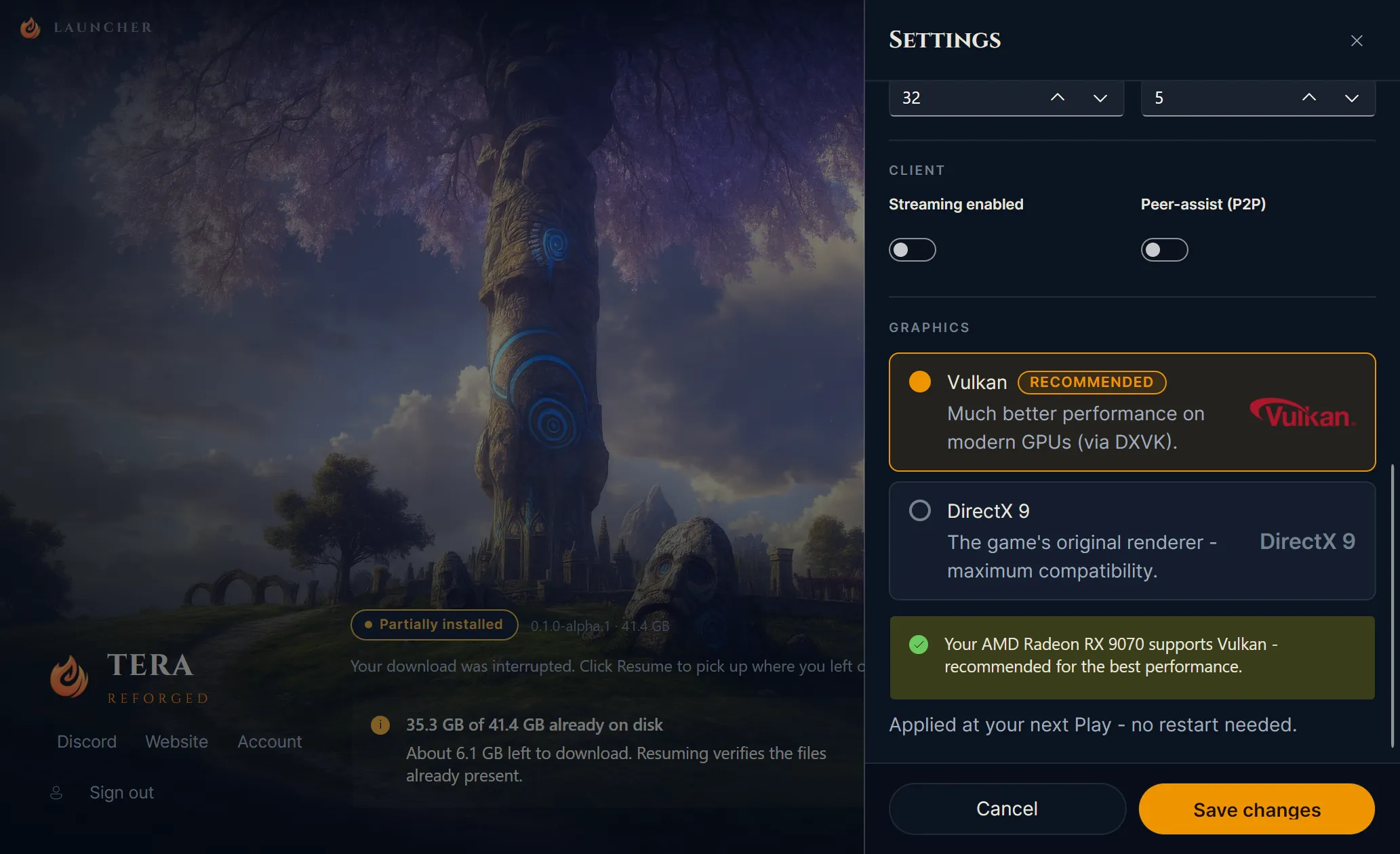
Since download and install don’t depend on this choice, you can leave it as it is for now. It starts to matter once the game is running.
Skill Prediction (Experimental)
In the Gameplay section of the settings, you’ll find Skill Prediction. The idea behind it is to improve combat responsiveness by anticipating your skill casts.
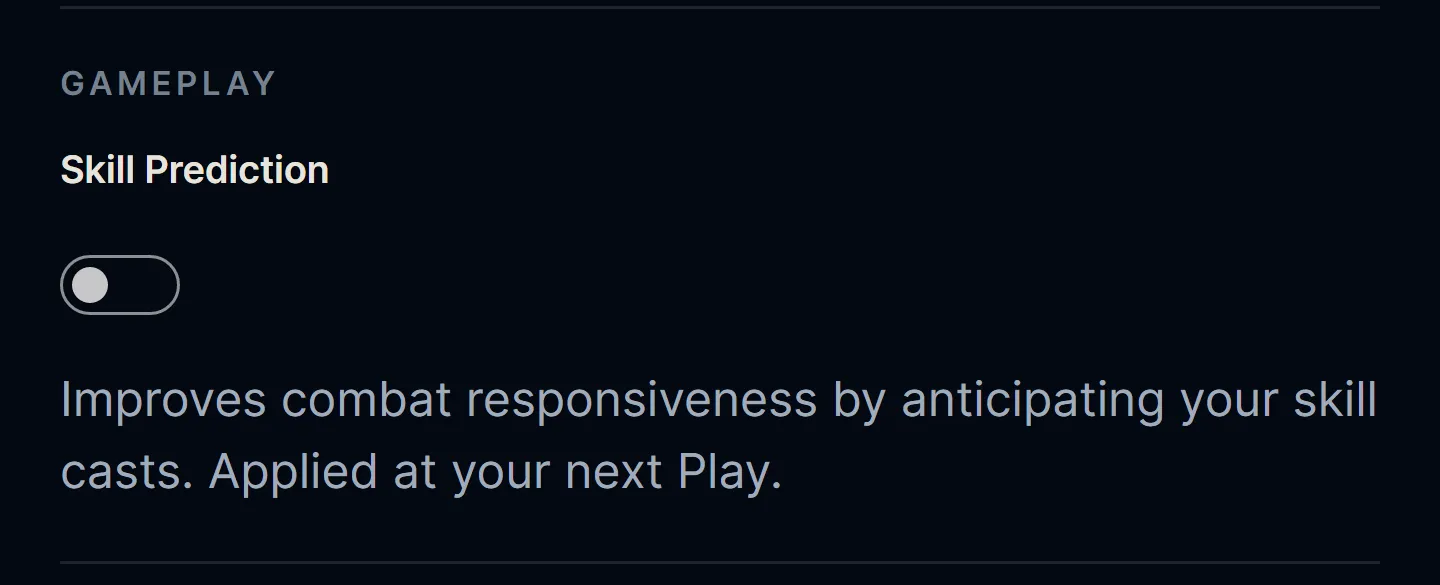
We want to be honest about its state: it’s still experimental and has had little testing, so it may behave unexpectedly. That’s why it ships off by default, and we recommend keeping it that way for now. Since it only acts during the game, you won’t be able to evaluate it in this phase, but once the server opens, anyone who wants to test it can turn it on and share their experience.
What’s Next
The next step now is to gather your feedback on download and install, fix whatever comes up, and continue with the final adjustments to Island of Dawn on the way to the Alpha.
We’re getting closer and closer to testing with the community. See you next time! 🛠️