

Hello everyone! 👋
In our last devlogs we showed the content of TERA Reforged: the Island of Dawn restoration, gear progression, loot, and dungeons. This time we’re covering something just as essential that had been taking up most of the development: how the Alpha test will actually reach you. In this devlog we’ll walk through the foundation being prepared for the Alpha: accounts, login, name reservation, the launcher, and hosting.
Important: we're still in development. Values and mechanics may change as we test, balance, and gather feedback.
At a Glance
- Accounts and login: through the TERA Reforged App (app.terareforged.com) you register, manage your account, and use the same login to access the game
- Security: Discord activation is one of our measures to reduce abuse and multiboxing, and the unified login removes the need for reused game passwords
- Name reservation: you can reserve your name ahead of time, with the final decision centralized in a server-side validation layer
- Launcher and downloads: a custom launcher handles file distribution, repair, and updates, downloading only the differences between versions
- Graphics and compatibility: automatic selection between Vulkan and DirectX 9, aiming for better compatibility and performance depending on your hardware
- Hosting: first host in a São Paulo datacenter, with a ping-test IP shared on Discord
Why This Devlog Is Different
Restoring content is only half the work. For a TERA private server to leave the drawing board and become a playable Alpha, you need a platform that handles accounts, authentication, game distribution, and hosting. These systems rarely show up in gameplay videos, but they’re exactly what decides whether your first experience is smooth or frustrating. That’s where we focused over the last few weeks.
The TERA Reforged App
We started developing a dedicated app for registration and account management. It’s how members will sign up for our Alpha test.
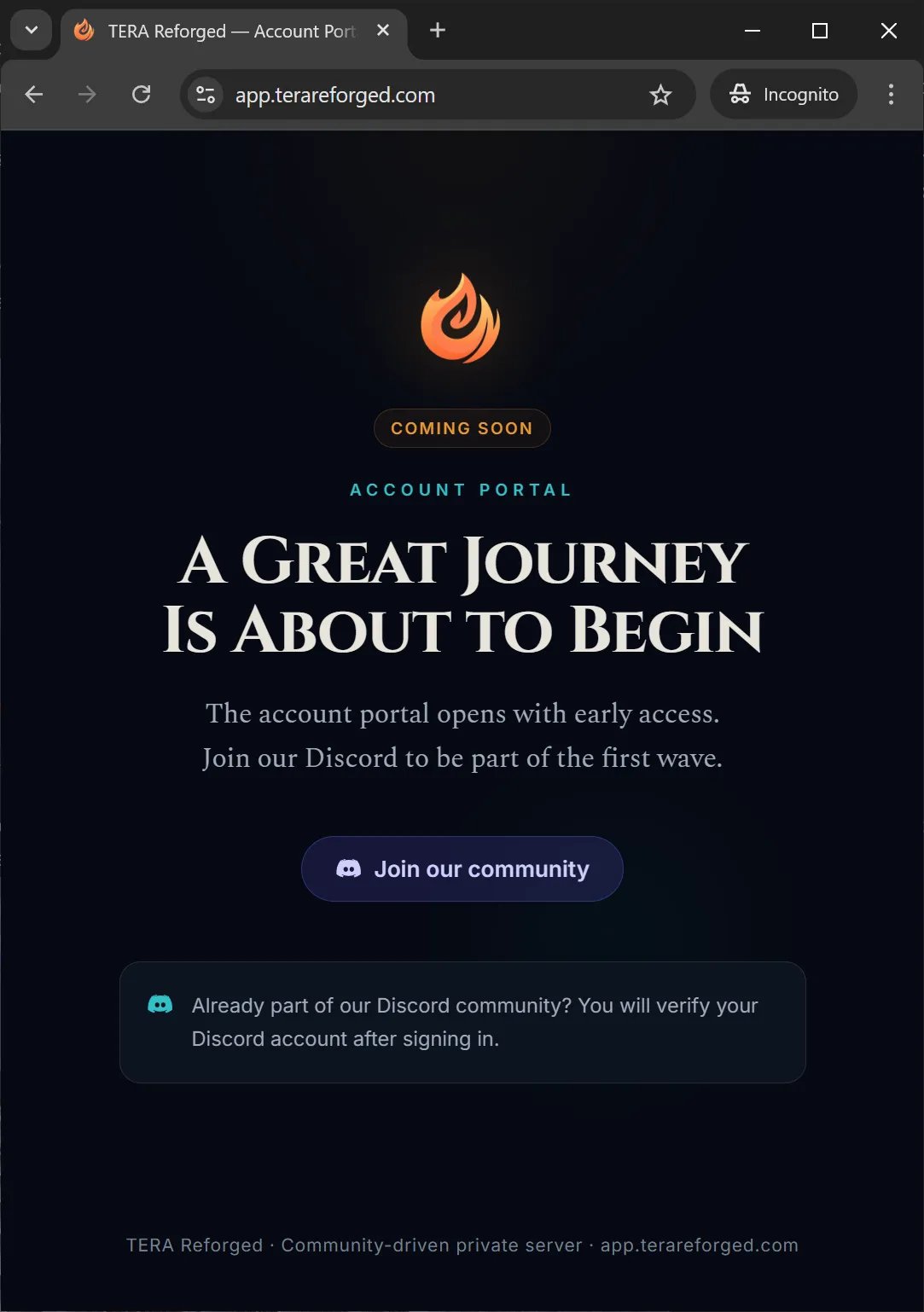
The prototype is already live at app.terareforged.com and runs right in the browser. If you want, you can install it as an app on your home screen (a PWA), straight from Chrome or Firefox, with no app store required, on virtually any device.
The onboarding flow was designed around a few principles:
- Mandatory account activation via Discord, one of our measures to reduce abuse and multiboxing
- Early name reservation: during the Alpha and the run-up to launch, a name reserved this way stays exclusive to the account that reserved it
- Unified login and no reused game passwords, as a security measure to protect players’ accounts
The screens shown here were captured in a test environment. The app’s release for account creation will be announced ahead of time in the Discord announcements channel.
Unified Login, No Game Passwords
Before we get into the launcher details, it’s worth explaining one of the most important changes it makes possible: the unified login.
Normally, on this kind of server, you create an account on the website and then one or more game accounts, each with its own password. That’s tedious and insecure.
Since our custom launcher (more on it below) now handles authentication, access is unified. In practice, this means you log in with the same account used in the App, with no need to create or remember a separate password just for the game.
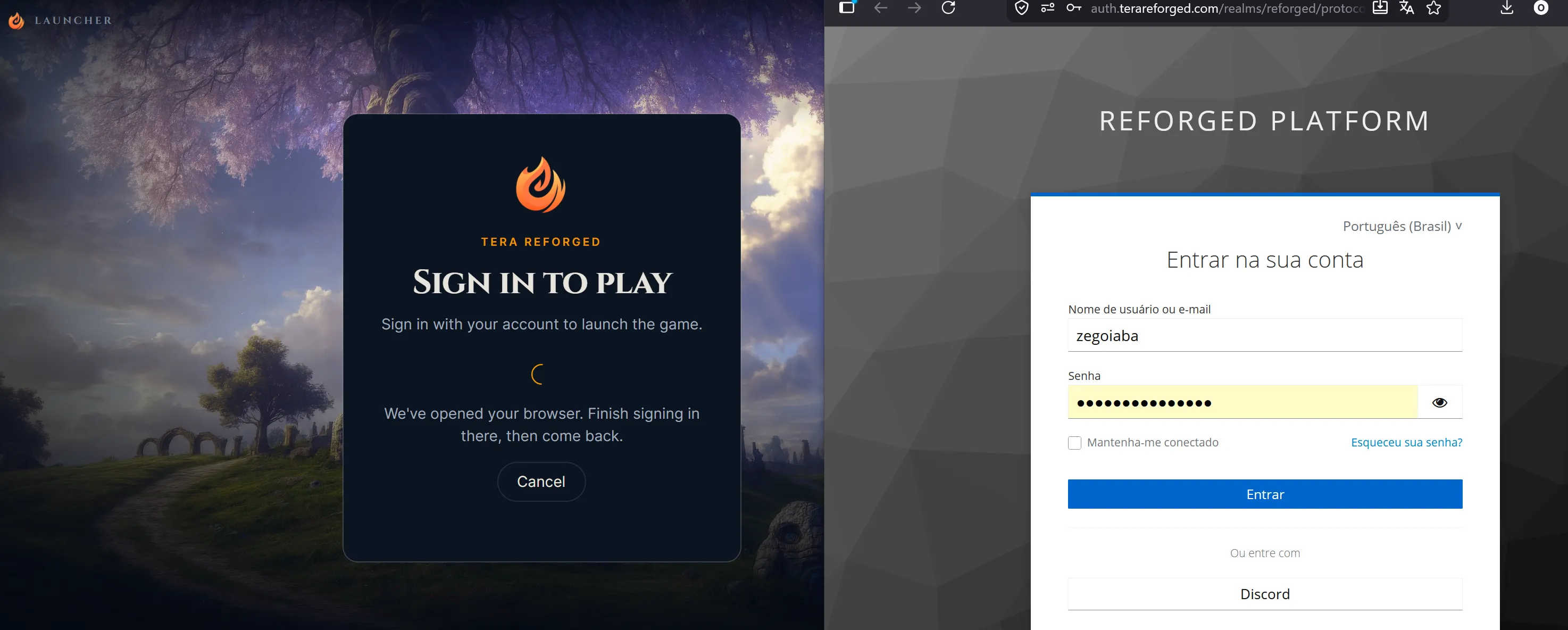
You’ll be able to create your account using, for example, your Discord (and, in the future, Google too), without sharing any password with our platform.
Name Reservation
Reserving names before launch sounds simple, but there’s an important detail: the App and the game itself need to agree on who actually owns each name. On one side, the App registers the reservation tied to your account. On the other, the game also marks a name as taken while a character using it exists.
To solve this, the final decision over each name is now centralized in a server-side validation layer, making sure the App and the game always follow the same rules.
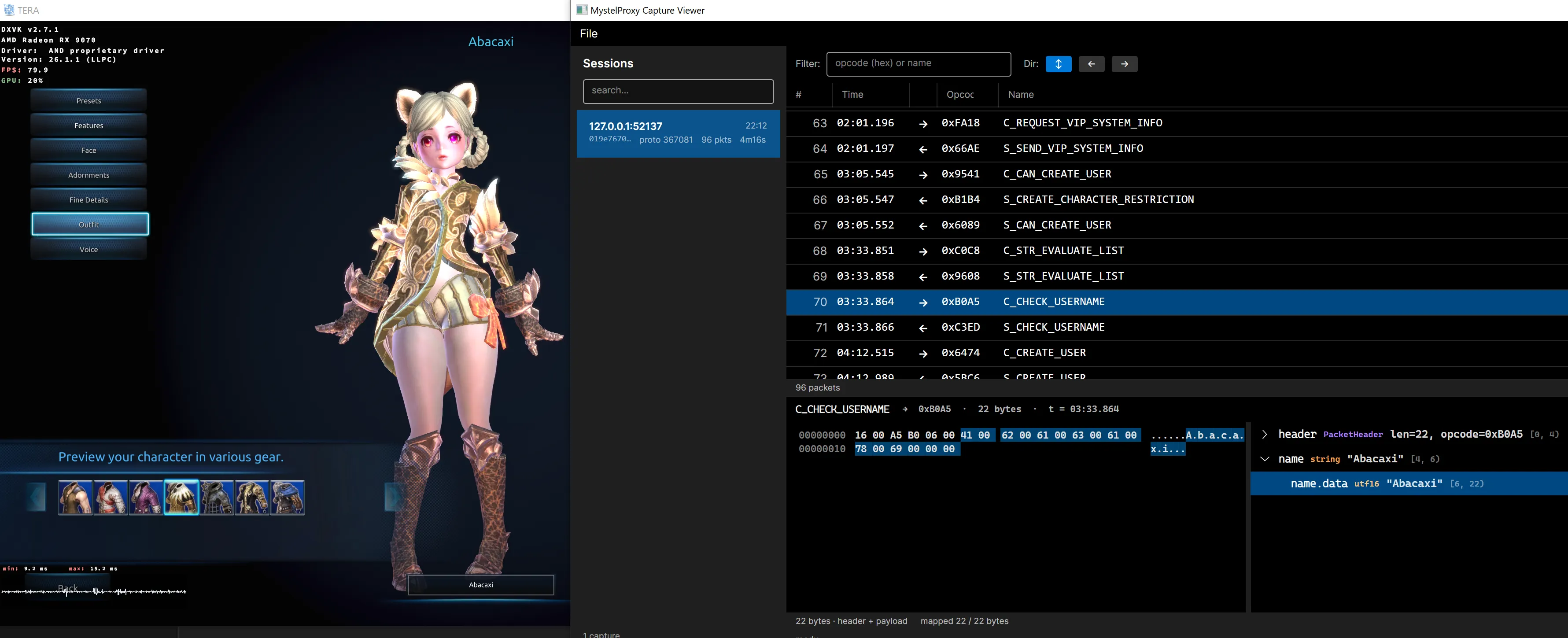
Here’s how it works:
- During the Alpha and the run-up to launch, a name reserved through the App stays exclusive to the account that reserved it, even if the character is removed
- Characters created in-game generate a temporary reservation, which lasts as long as that character exists and cannot be taken by the App
This avoids conflicts and makes sure nobody loses a reserved name by mistake.
A Custom Launcher
To speed up the Alpha release, the initial idea was to use the classic TERA launcher, common on many private servers. During the process, though, it became clear that it’s not compatible with our integration model, especially the unified login.
So we had to pick our own launcher back up and finish it, with:
- File distribution
- File repair
- Patch updates
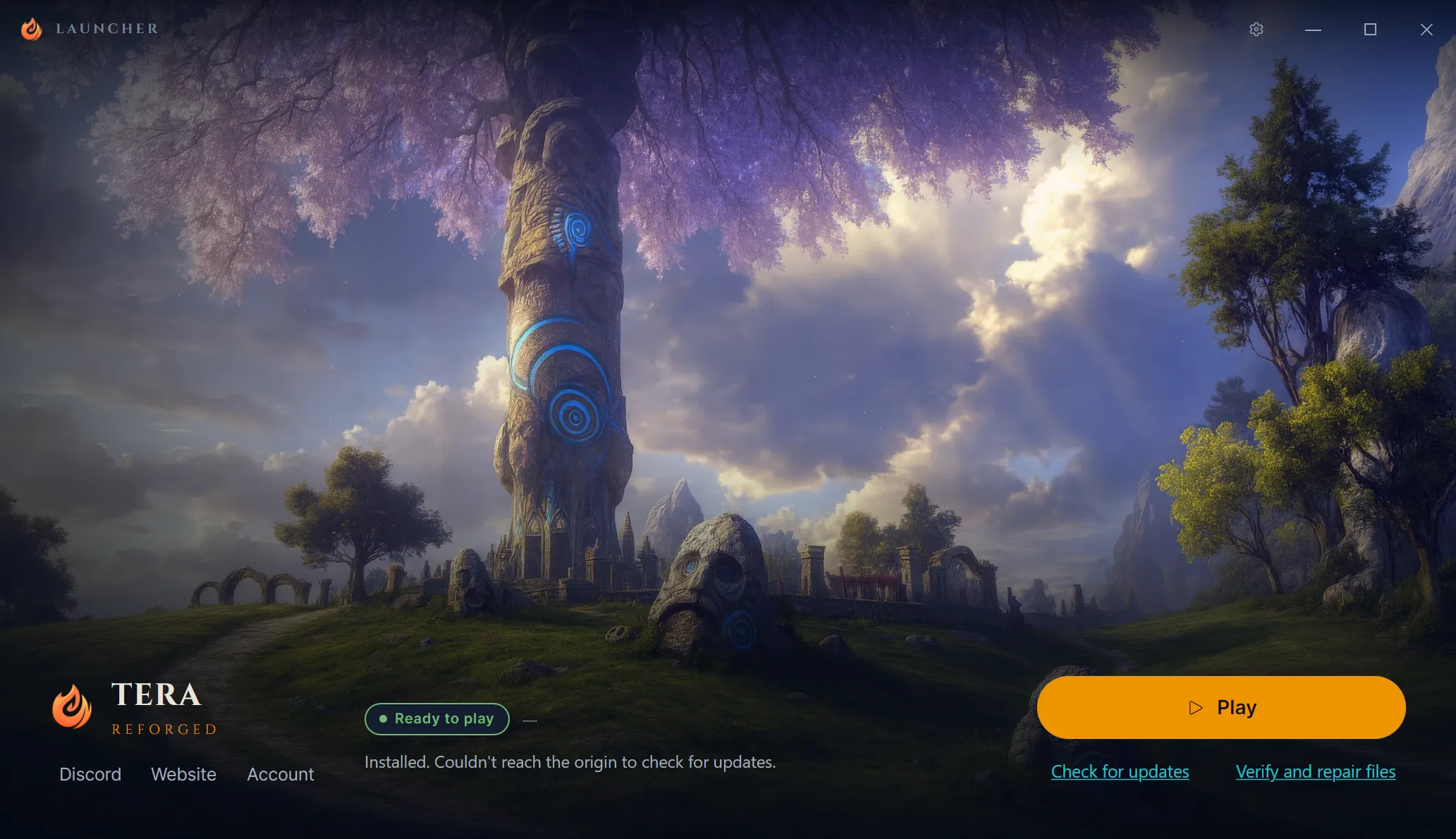
This was work we’d have preferred to leave until after the Alpha, but the limitations of the classic launcher didn’t allow it. The upside is that, for anyone who hasn’t downloaded the game yet, the process should be simpler, more centralized, and more efficient.
More Efficient Downloads and Updates
One of the biggest pains on this kind of server is simply getting the game. Sources tend to be scattered, sometimes only via torrent, and there’s also the disk space issue: normally you download everything and only then install it, which can require almost 2x the disk space during the process.
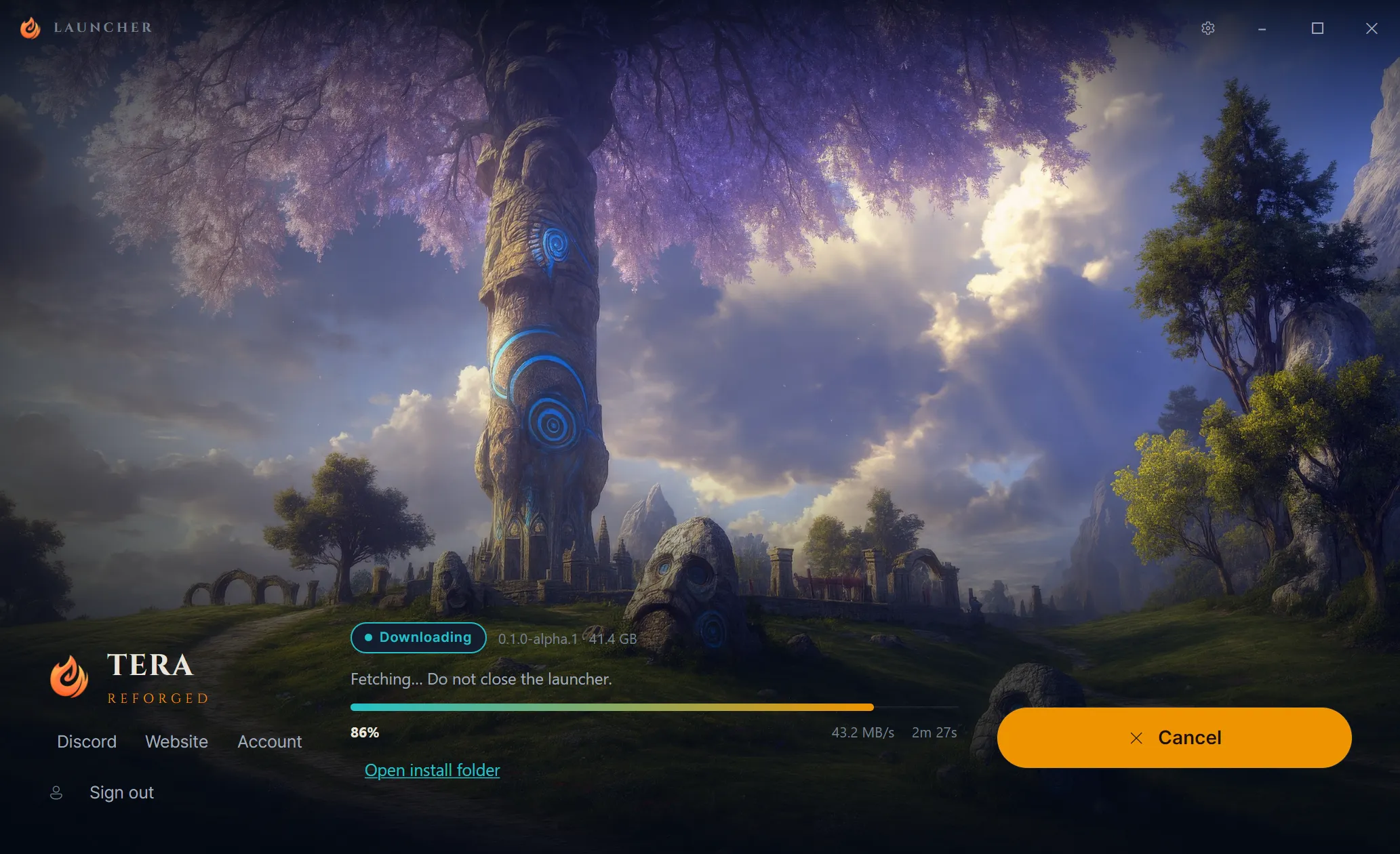
In the new launcher, downloads and updates are unified. The game files are fractioned and compressed, which allows downloading only segments and the differences between versions during updates, which is much more efficient.
This isn’t a promise for the Alpha, but a future goal for the launcher: letting you start playing before the full download even finishes, similar to what already exists in launchers like Blizzard’s.
Important: anyone who already downloaded the game through another means doesn’t need to download it again. The launcher recognizes existing installations and only updates the difference, if any.
Graphics API Selection
The 32-bit version of TERA depends on DirectX 9 to talk to the graphics card. Besides being old, that implementation is problematic and, in many cases, can cause performance loss and graphical instability.
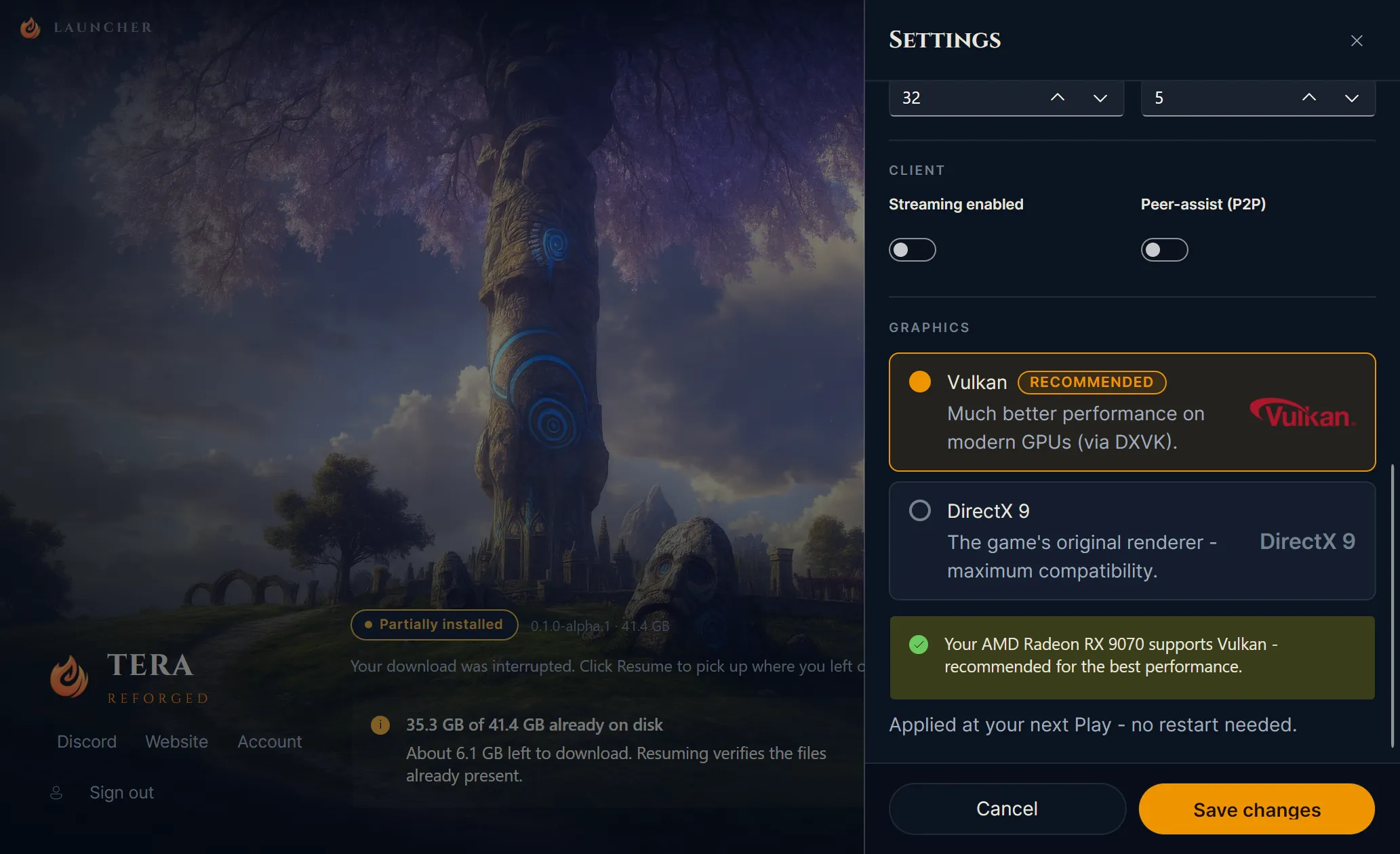
To help with this, the launcher now offers a choice of graphics API between Vulkan and DirectX 9, detecting your hardware and suggesting the most compatible option, including older Vulkan versions for those on older hardware. In some scenarios, this layer can reduce performance problems and improve stability, but results may vary depending on your GPU, driver, and operating system. Other quality-of-life adjustments, usually made by hand in the game’s .ini files, should also be integrated over time.
Infrastructure and Hosting
The first host was set in a São Paulo datacenter, which should help with latency for many players in the region. For now, the focus is testing the infrastructure and checking server stability, so it doesn’t make sense to invest in other access points yet.
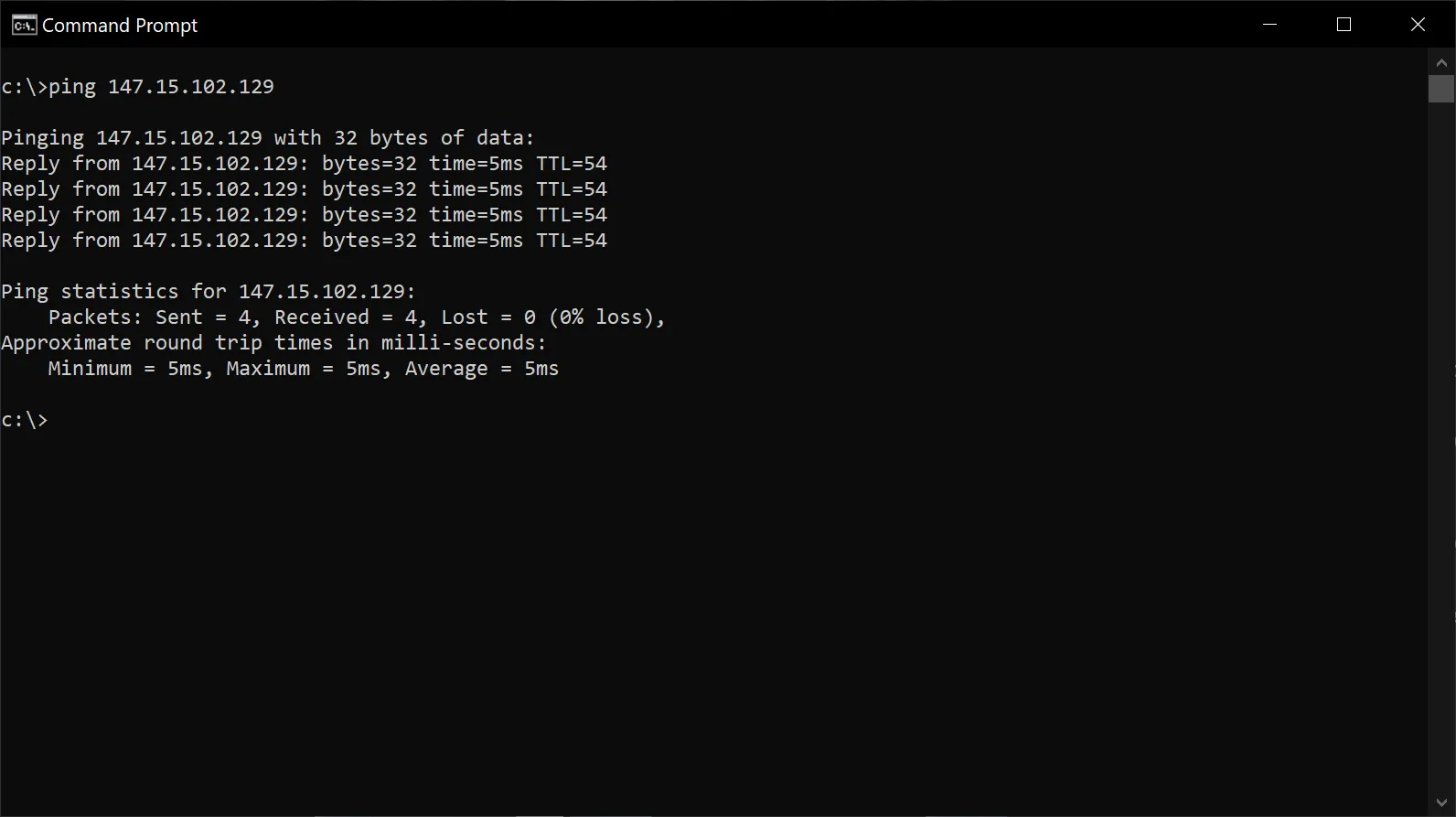
For the Beta and the definitive launch, we’re also looking into access points in other LATAM regions and, if there’s demand, beyond the continent. Ideas like multiple regions, transfers between servers, and play across regions still depend on technical validation and on the community growing, so treat this as a direction we want to explore, not a promise.
For ping testing, the host’s IP will be shared and kept up to date in our Discord announcements channel while the infrastructure is being validated.
What’s Next
With the foundation of the platform and launcher already working, the next steps are to finish the final Island of Dawn adjustments raised in internal testing and to prepare the release of the Alpha server. If you haven’t grabbed the client yet, the download is already available on our Discord.
We’re getting closer and closer to starting the tests with our community. See you next time! 🛠️